In this article
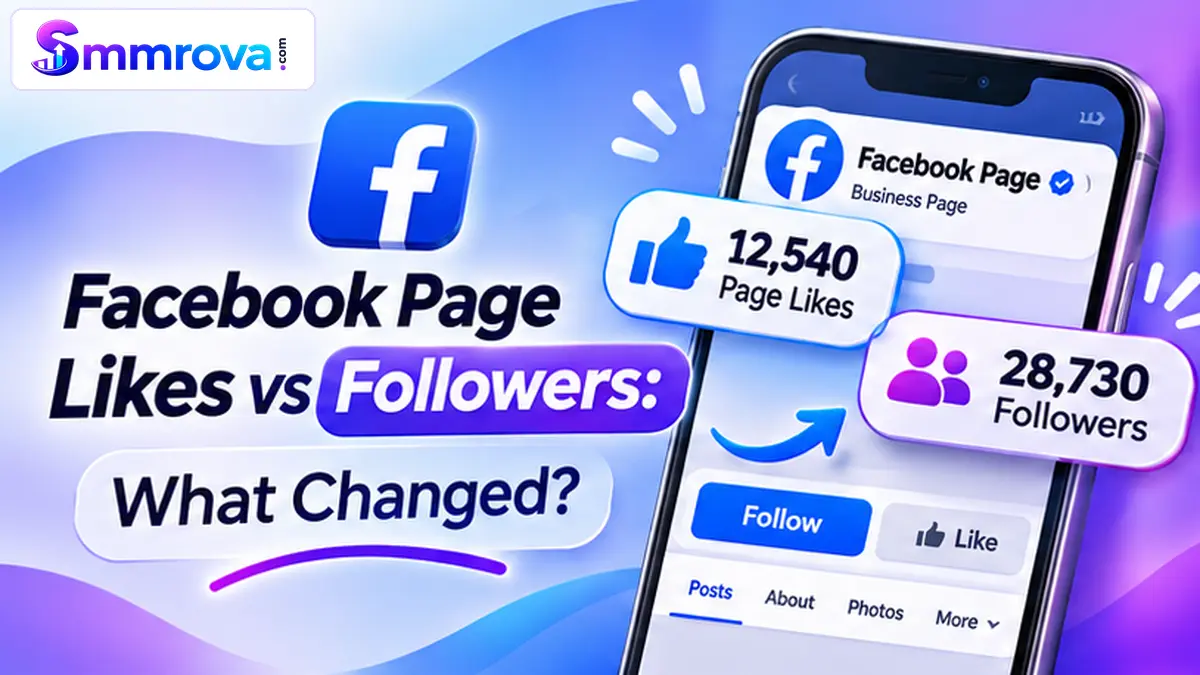
If you manage a Facebook business Page, you may have noticed two different audience metrics: Page Likes and Followers. Although they sound similar, they do not always represent the same audience connection.
Meta has also changed the way Facebook Pages work. Its New Pages Experience puts more emphasis on Followers, making it important for business owners and creators to understand what these numbers actually mean.
In this guide, we will explain Facebook Page Likes vs Followers, what changed with the New Pages Experience, why the numbers may differ, and which metrics you should track when managing a business Page.
Facebook Page Likes vs Followers: What's the Difference?
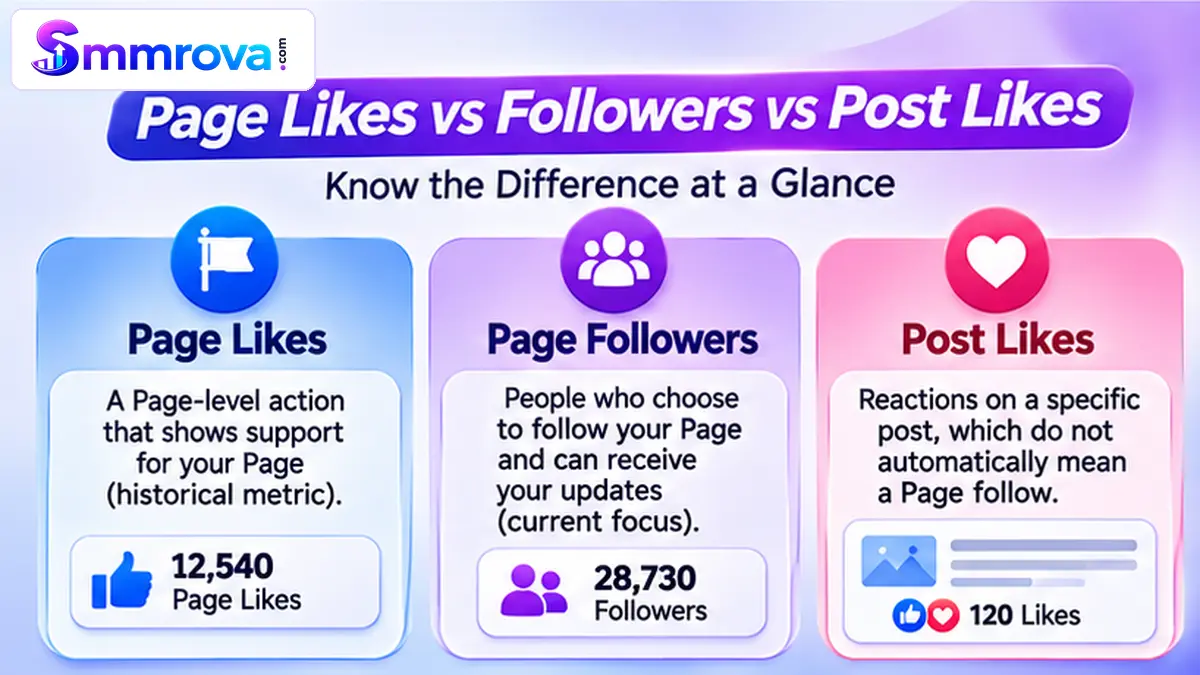
A Facebook Page Like historically represented someone showing support for a Page by tapping the Like button. A Page Follow represents someone choosing to receive updates from that Page.
Meta's New Pages Experience places greater emphasis on Followers because they represent people who can receive updates from a Page. However, a follower count does not guarantee that every follower will see every post.
It is also important not to confuse Page Likes with post Likes. A person can like an individual post without following the Page itself.
What Changed with Facebook's New Pages Experience?
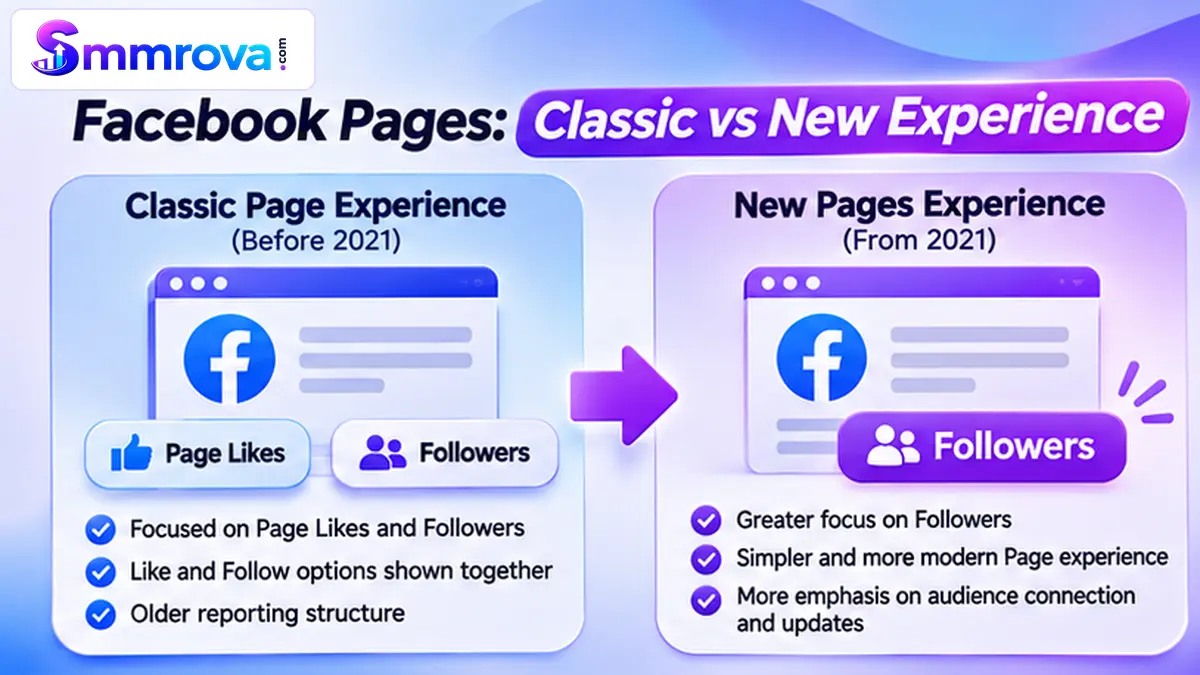
In January 2021, Meta introduced the redesigned Pages experience and announced that it was removing Likes and focusing on Followers. The goal was to make it easier to understand the audience connected to a public Page.
Under this experience, the Follow action became more important. People can follow a Page to receive its updates, and Meta highlighted Followers as a stronger indication of a Page's audience.
However, Facebook interfaces and reporting options can vary. Some Page owners may still encounter older Like-related labels or historical reports, while newer Page experiences focus on Followers.
Classic Page Experience vs New Pages Experience
| Area | Classic Page Experience | New Pages Experience |
|---|---|---|
| Main audience focus | Page Likes and Followers | Followers |
| Page connection | Like and Follow options could be shown together | Follow receives greater emphasis |
| Audience reporting | Older reports may include Like-related figures | More focus on follower information |
| Content engagement | Post Likes, Comments and Shares | Post Likes, Comments and Shares remain separate engagement actions |
The important point is that a Page's historical Like count should not automatically be treated as its current follower count. Check the numbers and labels displayed in your own Page experience.
For the original announcement, read Meta's New Pages Experience announcement.
Why Are Facebook Page Likes and Followers Different?
It is possible for a Facebook Page to have different Like and Follower counts. These numbers describe different types of relationships with a Page, and they should not automatically be treated as interchangeable.
1. Page Likes and Follows Represent Different Actions
A Page Like historically indicated that someone approved of or supported a Page. Following is the connection associated with receiving updates from that Page.
This distinction matters when reviewing older Pages, because historical Like figures may not represent the same audience as the current follower count.
2. A Person Can Interact with a Post Without Following the Page
Facebook content can reach people who do not follow its publishing Page. Someone may see a post through a recommendation, a friend's activity, a shared link, or another discovery surface.
That person may like or comment on the post without choosing to follow the Page.
For example, someone in Dhaka may react to a local restaurant's promotional post after a friend shares it. That reaction belongs to the individual post; it does not automatically mean the person has become a Page follower.
3. Historical Page Data Can Be Different from Current Audience Data
Older Page reports and newer reporting interfaces may use different audience labels. This can make historical comparisons confusing, especially when a business has managed its Page for several years.
When comparing performance over time, always check the metric name, reporting period, and source. Avoid comparing an older Page Like figure directly with a newer follower figure as though they were identical measurements.
Page Likes vs Followers vs Post Likes
There is one more distinction worth understanding: Page-level audience numbers are different from engagement on an individual post.
| Metric | Where It Applies | What It Helps You Measure |
|---|---|---|
| Page Likes | Facebook Page | Historical Page-level Like activity or a Like figure where still displayed |
| Page Followers | Facebook Page or public profile | People who have chosen to follow and receive updates |
| Post Likes | One individual post | How many people reacted to that specific post with a Like |
For example, a Page can have 5,000 followers while one of its posts receives 120 Likes. These numbers are not supposed to match because they measure different things.
Likewise, a post receiving 500 Likes does not mean the Page has gained 500 new followers.
Which Metric Should a Facebook Business Page Track?
The right metric depends on what you want to understand about your Page. For most businesses using the New Pages Experience, Followers are a useful audience metric, but they should not be treated as the only measure of success.
Track Followers to Understand Audience Growth
Follower growth helps you understand whether more people are choosing to stay connected with your Page.
Review follower changes over a consistent reporting period. Also look at whether new followers are relevant to your business, location, products, or content category.
Track Reach to Understand Content Distribution
Reach helps you understand how many unique accounts your content has reached. A Page may have many followers, but that does not mean every follower will see every post.
Review reach alongside the type of content you publish and the audience you want to reach.
Track Engagement to Understand Audience Response
Post Likes, Comments, Shares, and other available interactions can help you understand how people respond to your content.
For a local business, messages, website visits, enquiries, and completed orders may be more meaningful business outcomes than a higher Page count.
Use a Combined Reporting Approach
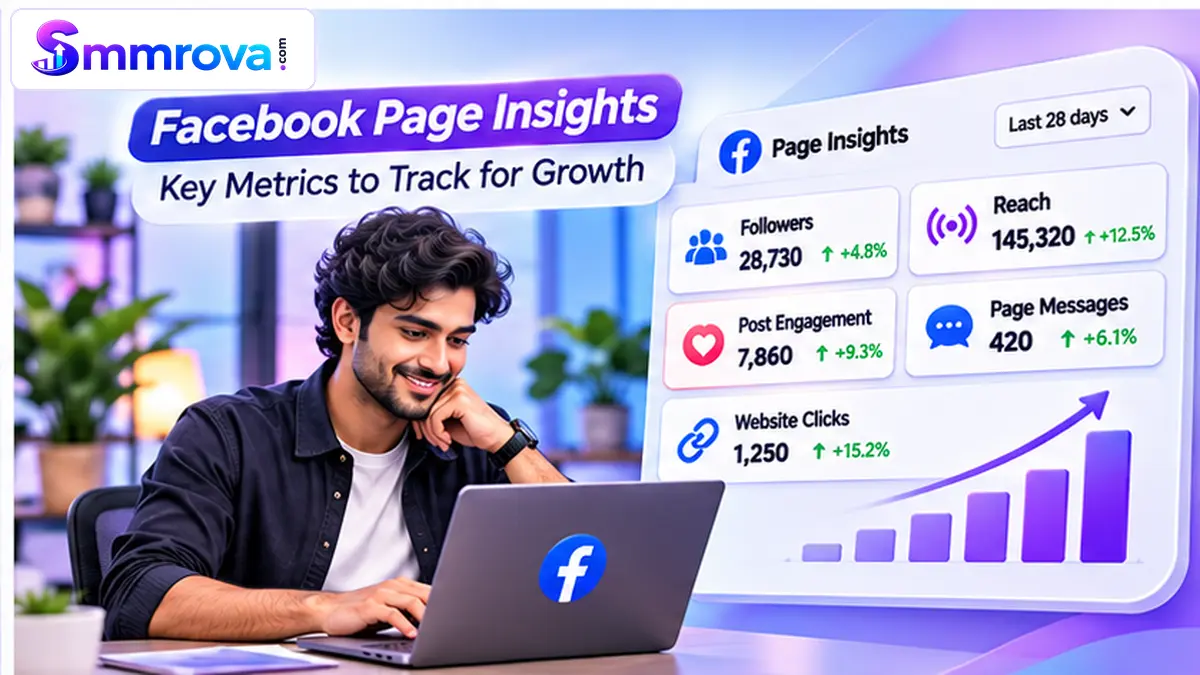
A more useful Facebook reporting routine includes several indicators:
- Followers: Is the Page audience growing?
- Reach: How many unique accounts are seeing the content?
- Post interactions: Are people reacting, commenting, or sharing?
- Messages and enquiries: Are people contacting the business?
- Website clicks or orders: Is social activity contributing to the business objective?
Looking at these metrics together gives a more complete picture than relying on a single number.
How to Check Your Facebook Page Audience Metrics
You can review the metrics available for your Page through Meta's management tools. The exact labels and menu positions may change as Meta updates its interface.
- Open Meta Business Suite or switch to the Facebook Page you manage.
- Go to the available Insights or analytics section.
- Look for audience or follower information.
- Review Reach and content engagement for the same reporting period.
- Compare the results with an earlier period to identify changes.
For a fair comparison, use consistent date ranges and make sure you are comparing the same metric. Do not treat an old Page Like report as equivalent to a current follower report.
Common Mistakes When Comparing Facebook Likes and Followers
- Confusing Page Likes with Post Likes: A reaction on one post does not automatically create a Page follow.
- Assuming followers guarantee reach: Following makes people eligible to receive updates, but it does not guarantee that every post will appear in their Feed.
- Comparing different reporting periods: Always use consistent dates and metric definitions.
- Focusing only on visible numbers: Messages, enquiries, clicks, and sales can be more useful business indicators.
- Ignoring platform rules: Artificial engagement can be removed or create account risks.
Important: Understand Meta's Rules on Artificial Engagement
Meta has publicly taken action against businesses promoting the sale of fake accounts, likes, and followers. Its announcement explains that inauthentic activity is not tolerated and that fake accounts and engagement may be removed.
Before using any third-party engagement service, review the Meta Community Standards on Spam. Do not assume that purchased Likes or Followers are platform-approved, represent genuine customer interest, or guarantee improved reach, engagement, or sales.
For reference, Smmrova maintains separate catalogue pages for Facebook Followers and Facebook Page Likes. These pages describe separate service listings; their availability does not mean Meta endorses or approves artificial engagement.
Frequently Asked Questions
Are Facebook Page Likes and Followers the same?
No. Page Likes and Followers represent different Page-level actions. Meta's New Pages Experience places greater emphasis on Followers because they represent people who can receive Page updates.
Which is more important: Facebook Page Likes or Followers?
For audience measurement on the New Pages Experience, Followers are generally the more useful Page-level audience indicator. However, Reach, post engagement, messages, and other business outcomes should also be tracked.
Can someone like a Facebook post without following the Page?
Yes. People can interact with individual Page posts without following the Page. A post reaction and a Page follow are separate actions.
Why does my Facebook Page show different Likes and Followers?
Likes and Follows represent different Page connections, and older Page data may use different labels from newer reporting. Check the current Page experience and compare the same metric across reporting periods.
Will all my Facebook followers see every post?
No. Followers can receive Page updates, but Feed ranking determines which content is shown to each person. A higher follower count does not guarantee that every post will be seen.
Where can I learn more about Facebook marketing services?
You can read our Facebook SMM Panel Bangladesh guide for an overview of Facebook-related service categories and important considerations.
Final Thoughts
Understanding Facebook Page Likes vs Followers is important because the platform has changed how Pages connect with their audiences. Meta's New Pages Experience places greater emphasis on Followers, while Page Likes and Post Likes should not be confused with one another.
For business owners and creators, the best approach is to review Followers, Reach, and meaningful engagement together. Focus on building a relevant audience, publishing useful content, and tracking outcomes that matter to your business.
A visible number alone cannot measure the full value of a Facebook Page. Real audience interest and meaningful customer interactions matter too.
 Up nextFacebook Video Marketing Strategy for Small BusinessesFacebook · 16 min read
Popular Facebook services
Ready to grow your social media?
Create a free SmmRova account and pay with bKash, Nagad or Rocket. We never ask for your password.
Create Free Account View ServicesQuestions before you order? Message us on WhatsApp