In this article
Creating a Facebook Page is only the first step in building a professional business presence. Before promoting your Page, you need to make sure visitors can recognize your brand, understand what you offer, find your contact information, and take the next step without confusion.
This Facebook business page setup checklist is designed for small businesses, local shops, service providers, freelancers, and new Page administrators. It covers the important settings to complete before promotion, from choosing a Page name to preparing your first posts.
Use this guide as a practical launch checklist so your Facebook Page is ready for visitors before you start sharing it or spending money on promotion.
Why Should You Complete Your Facebook Business Page Before Promotion?
Imagine someone discovers your business through a Facebook post or recommendation and visits your Page. They may immediately look for three things:
- What does this business offer?
- Does the Page look genuine and professional?
- How can I contact the business or learn more?
If your Page has no clear description, incomplete contact details, an unsuitable profile image, or no useful posts, visitors may struggle to understand your business.
Setting up the important details first creates a more consistent experience. It also gives you a useful foundation for publishing content, answering enquiries, and measuring the results of future marketing activities.
How to Create a Facebook Business Page
Facebook Pages are designed for businesses, brands, organisations, and public-facing activities. They are different from personal profiles. Use the account you genuinely control to create and manage your business Page.
Creating a Page on a Computer
- Sign in to your Facebook account.
- Open the Pages section.
- Select Create new Page or the equivalent option shown in your account.
- Enter your business or brand name.
- Choose the most relevant Page category available.
- Add a short description or bio if prompted.
- Select Create Page and follow the remaining setup instructions.
Creating a Page on the Mobile App
- Open the Facebook app.
- Go to Menu and look for Pages.
- Select Create or Create a new Page.
- Enter the Page name.
- Choose the appropriate category.
- Add the requested business information and images.
- Follow the remaining instructions to complete creation.
Facebook can change menu names and navigation between devices, languages, and account versions. Follow the prompts displayed in your own account. You can also visit Facebook's Page creation screen to begin.
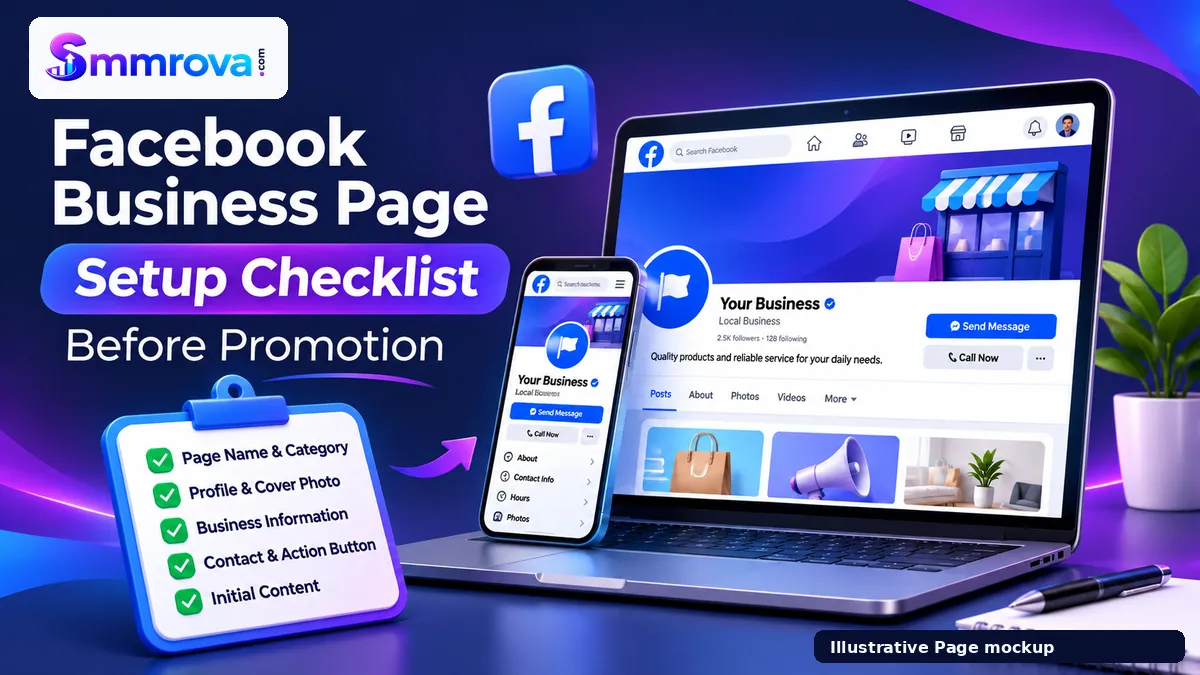
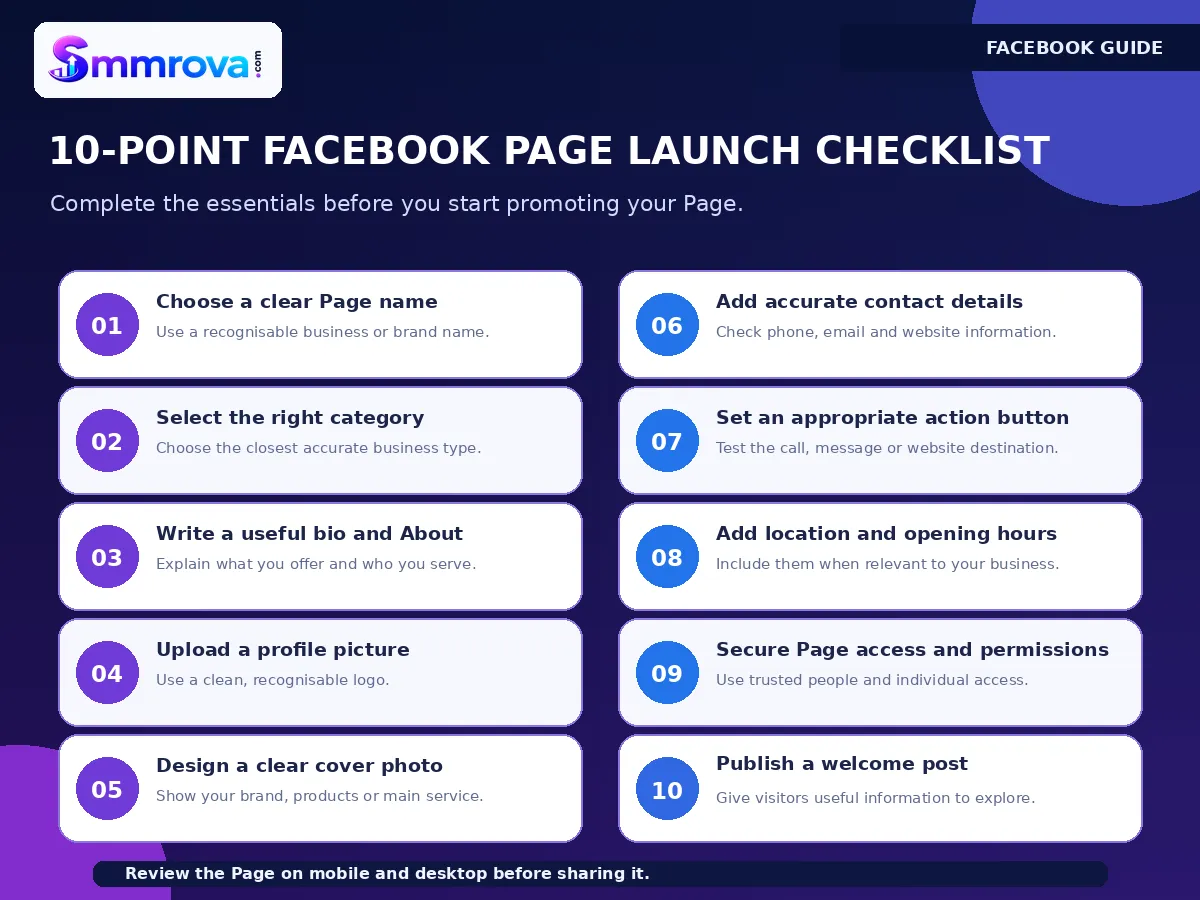
Facebook Business Page Setup Checklist: 10 Things to Complete
1. Choose a Clear and Recognisable Page Name
Your Page name should help people identify your actual business or brand. Use the name customers already know rather than creating a confusing combination of keywords.
For example:
- Good: Sunrise Bakery
- Good: Green Leaf Dental Clinic
- Good: ABC Digital Marketing
- Avoid: Best Cheap Bakery Food Shop Number One
Keep the spelling consistent with your website, logo, packaging, and other social media profiles. Avoid unnecessary symbols, excessive keywords, or wording that could misrepresent the business.
2. Select the Most Relevant Business Category
Choose a category that accurately describes what your business does. A suitable category gives visitors useful context when they discover your Page.
Examples include:
- Restaurant or Food Service
- Clothing Store
- Beauty, Cosmetic and Personal Care
- Educational Service
- Marketing Agency
- Professional Service
The available categories may vary. Choose the closest accurate option rather than selecting an unrelated category simply because it sounds popular.
3. Write a Useful Page Bio and Description
Your short bio should explain what you offer and who you serve. Avoid writing a long list of keywords or vague promotional statements.
A useful business bio can answer three questions:
- What does the business provide?
- Who is the intended customer?
- Where or how can people contact the business?
Example — Local Clothing Shop:
Everyday clothing and seasonal collections for men and women. Browse our latest styles and contact us for product information and orders.
Example — Digital Marketing Agency:
Helping businesses plan digital campaigns, improve their online presence, and manage social media content. Contact our team to discuss your project.
Your longer About or Description section can include additional details, your service area, business background, website, and other relevant information.
4. Upload a Professional Profile Picture
For most businesses, the profile picture should be a clean and recognisable logo. People may see it in small sizes beside posts, comments, and messages.
Before uploading:
- Use a high-quality image.
- Make sure the logo is easy to recognise at a small size.
- Avoid putting too much text inside the image.
- Keep the important design elements within the visible crop.
- Use the same brand identity across your other business profiles.
5. Design a Clear Cover Photo
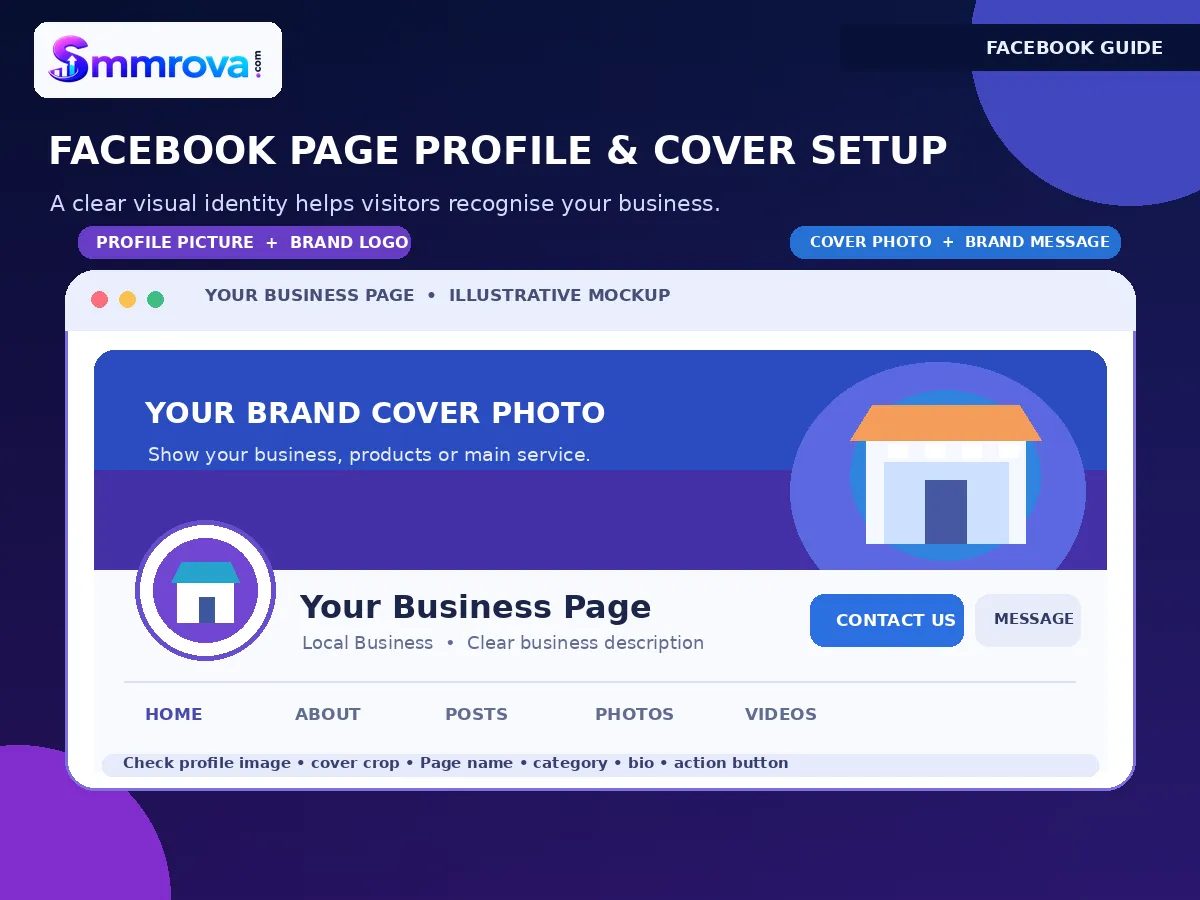
Your cover photo provides additional space to explain your business visually. It can show your main service, product range, brand identity, or a simple business message.
A useful cover image should:
- Represent the actual business.
- Use readable text and appropriate contrast.
- Keep important details away from areas that may be cropped on mobile devices.
- Avoid excessive promotional claims and clutter.
- Match the colours and style of your profile image.
Preview the cover on both desktop and mobile screens. A design that looks good on a computer may not display the same way on a phone.
6. Add Accurate Contact Information
Make it easy for potential customers to contact you. Add the business information that is appropriate for public display.
Depending on your business, this may include:
- Business phone number.
- Official email address.
- Website URL.
- Business address or service area.
- Opening hours.
- WhatsApp contact, if you use it for customer enquiries.
Only publish information you are comfortable making public. Keep opening hours and contact details updated when they change. A wrong phone number or outdated address can create unnecessary problems for customers.
7. Set an Appropriate Action Button
The action button should match the main thing you want visitors to do.
| Business Type | Possible Action |
|---|---|
| Online shop | Shop Now or an available shopping action |
| Restaurant | Call Now, Order Food, or an available ordering action |
| Consultant | Contact Us or Book Now |
| Local service provider | Call Now or Send Message |
| Marketing agency | Learn More or Contact Us |
Available buttons depend on the Page and its supported features. Choose one clear next step instead of trying to direct visitors to several different destinations at once.
After selecting the button, test it yourself. Check that it opens the correct website, phone number, booking destination, or messaging channel.
8. Review Location, Opening Hours and Business Details
Local businesses should pay particular attention to their public location and opening hours. A customer who visits a shop or clinic needs accurate information before travelling.
Online businesses and remote service providers may not need to display a public physical address. Use the fields that genuinely represent how your business operates.
Review all details carefully rather than filling every available field with information that does not apply.
9. Secure Page Access and Account Management
Your business Page is an important digital asset. Protect the personal accounts and permissions used to manage it.
- Enable two-factor authentication on the accounts that manage the Page.
- Give Page access only to people who genuinely need it.
- Understand the difference between full control and limited task permissions.
- Keep at least one trusted person responsible for the business Page.
- Never share your personal Facebook password with an employee or outside service provider.
- Review Page access periodically and remove people who no longer work with the business.
Only grant full control to someone you trust. People with full control may be able to make critical changes to the Page, including managing other people's access.
10. Prepare a Welcome Post and Pin Important Information
A visitor should not arrive at an empty Page and have to guess what your business does. Prepare a welcome post before you start promoting the Page.
Your first post can introduce:
- Your business and the people behind it.
- Your main products or services.
- The customers you serve.
- How people can contact you.
- Where visitors can learn more.
Where the Page interface allows it, pin an important introduction, product guide, service overview, or contact post so visitors can find useful information more easily.
What Should You Post Before Promoting Your Page?
Completing the Page settings is important, but visitors should also find useful content when they arrive. Before promotion, prepare a small collection of posts that explains your business and gives people a reason to explore further.
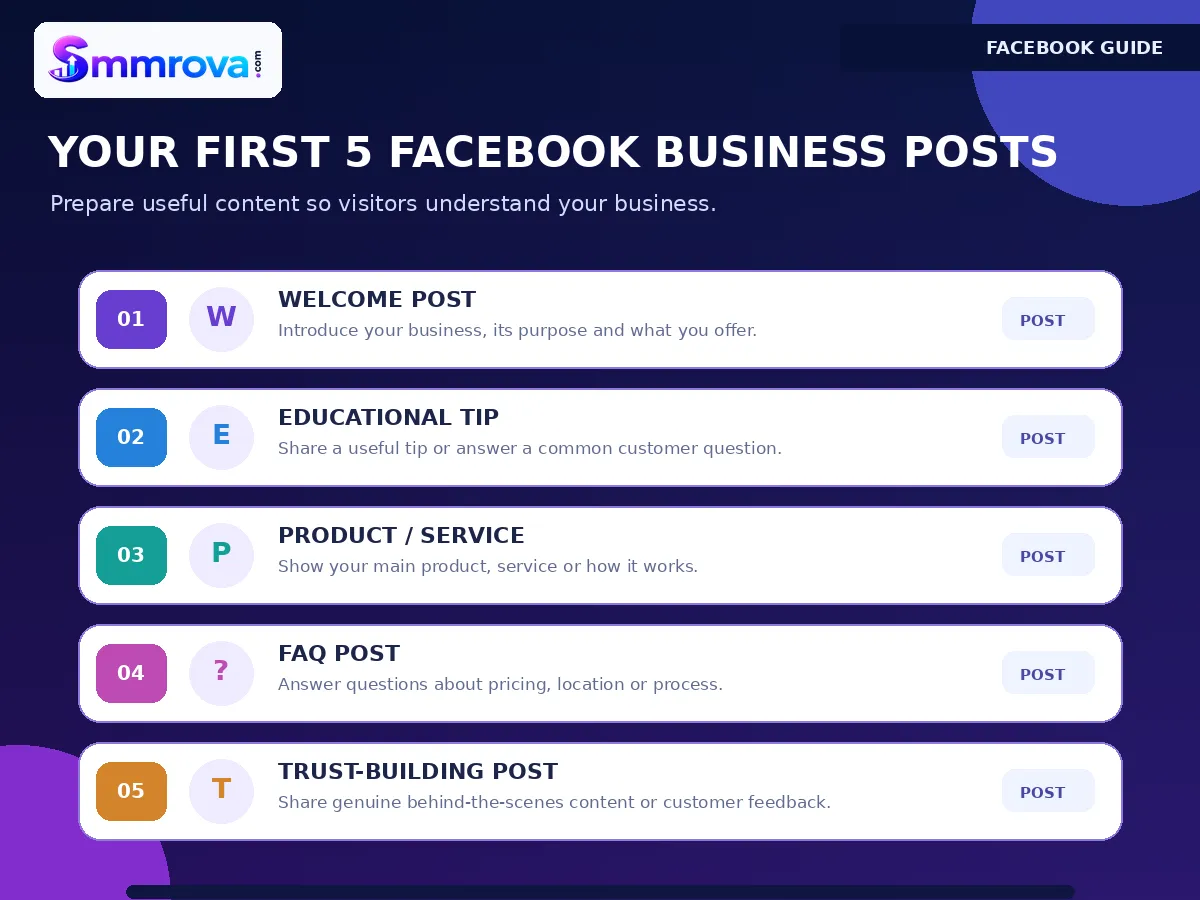
Here is a simple five-post starting plan:
| Post | Content Idea | Purpose |
|---|---|---|
| 1. Welcome | Introduce the business, its purpose and who it serves. | Help visitors understand the brand. |
| 2. Educational | Answer a common customer question or share a useful tip. | Provide practical value. |
| 3. Product or Service | Show a product, service demonstration or how the process works. | Explain what customers can expect. |
| 4. FAQ | Answer questions about pricing, location, process or contact. | Reduce confusion before an enquiry. |
| 5. Trust Building | Share behind-the-scenes information or genuine customer feedback with permission. | Give visitors more context about the business. |
Each post should have a clear purpose. Use real business photos and accurate information where possible. Avoid publishing copied images, misleading offers, or customer testimonials without permission.
Final Facebook Business Page Launch Checklist
Use this final checklist before sharing your Page or starting a promotion campaign:
- Page name accurately represents the business.
- Relevant Page category is selected.
- Bio and About information clearly explain the business.
- Profile picture and cover photo display correctly.
- Public contact details are accurate.
- Location and opening hours are correct where applicable.
- Action button opens the intended destination.
- WhatsApp or messaging channels work if connected.
- Page access and account security have been reviewed.
- Welcome post and useful initial posts are published.
- Important information is pinned where appropriate.
- The Page has been checked on a mobile phone and computer.
Common Facebook Page Setup Mistakes to Avoid
- Using an unclear Page name: Choose a recognisable business identity instead of a long keyword-filled name.
- Leaving the bio empty: Explain what the business does and how customers can contact it.
- Uploading poor-quality images: Use clear branding and check how images appear on different screens.
- Adding incorrect business details: Do not publish outdated contact numbers, misleading addresses or inaccurate opening hours.
- Choosing an unsuitable action button: Select a button that leads to the next step a customer actually needs.
- Sharing account passwords: Use individual account access and appropriate permissions.
- Promoting an incomplete Page: Prepare useful content and test the customer journey first.
- Focusing only on Page counts: Followers and Page Likes do not replace useful content, customer communication or a clear business offer.
How to Review Your Page After Launch
Once the Page is ready, review how visitors interact with it. Where available, use Meta Business Suite and Facebook Page insights to understand content performance and audience activity.
Pay attention to practical business indicators such as:
- Messages and qualified customer enquiries.
- Website and contact-button clicks.
- Questions people repeatedly ask.
- Posts that generate useful discussion.
- Bookings, visits or orders that can be attributed to Facebook activity.
Use these observations to improve your bio, content topics, response process and customer information. Do not judge the success of a business Page using one visible metric alone.
Explore Facebook Marketing Resources
After completing your Page setup, you can explore the Smmrova Facebook service catalogue to understand the different Facebook service categories available on the platform.
For a specific Page-level service description, see the Facebook Page Likes information page. This is a separate service category, not a required Page setup step. Third-party engagement services should not be treated as a substitute for authentic customer interest, and you should review Meta's current rules before using any engagement service. No service guarantees organic reach, genuine customers or sales.
For a broader explanation of Facebook-related service categories, ordering requirements and precautions, read our Facebook SMM Panel Bangladesh guide.
Frequently Asked Questions
Is a Facebook business Page free to create?
Creating a Facebook Page does not require a Page creation fee. However, advertising, content production, design work and other optional business tools may involve costs.
Can I create a Facebook business Page without a personal account?
A Facebook account is used to create and manage a Page. Use an authentic account you control and manage the Page through the available Page access features. Do not create a fake personal profile just to represent a business.
What should I write in my Facebook business Page bio?
Explain what your business offers, who it helps and how people can contact you. Keep the wording clear, accurate and easy to understand.
What should I use as my Facebook Page profile picture?
Most businesses use a clear version of their brand logo. Make sure it remains recognisable when displayed as a small circular image.
How many posts should I publish before promoting my Page?
There is no universal number required. Start with a useful welcome post, product or service information, an educational post, an FAQ and a trust-building post. The important point is that visitors should find enough information to understand your business.
Should I add WhatsApp to my Facebook business Page?
If WhatsApp is one of your actual customer communication channels, connecting it can make it easier for visitors to contact you. Test the connection and make sure enquiries can be answered properly.
Does completing a Facebook Page setup guarantee more followers?
No. A complete Page creates a clearer business presence, but follower growth depends on many factors, including the relevance of your content, audience interest, distribution and your ongoing marketing activities.
Final Thoughts
A professional Facebook Page should do more than display a business name and logo. It should help visitors understand the business, find accurate information, explore useful content and take a clear next step.
Use this Facebook business page setup checklist before promotion. Complete the basic details, check your branding, secure Page access, prepare your first posts and test the experience on mobile and desktop.
Once the foundation is ready, focus on publishing useful content and responding to genuine customer questions. A well-organised Page gives your future marketing activities a clearer starting point.
Official Facebook and Meta resources:
 Up nextFacebook Video Marketing Strategy for Small BusinessesFacebook · 16 min read
Popular Facebook services
Ready to grow your social media?
Create a free SmmRova account and pay with bKash, Nagad or Rocket. We never ask for your password.
Create Free Account View ServicesQuestions before you order? Message us on WhatsApp