In this article
Understanding your TikTok performance requires more than checking how many views a video receives. A video may attract thousands of views but generate very few profile visits, while another video with fewer views may receive meaningful comments, shares, saves, and new followers.
That is why learning how to understand TikTok analytics is important for creators, businesses, and marketers. TikTok Studio provides performance data that can help you understand what viewers watch, how they interact with your content, and where they discover your videos.
In this guide, you will learn how to access TikTok analytics, understand the most useful metrics, read individual video performance, and use the data to improve your next posts.
What Is TikTok Analytics?
TikTok Analytics is a set of performance reports that helps creators understand how their accounts and content perform on the platform.
Through TikTok Studio and other available professional tools, you can review information such as:
- Video views and profile views.
- Likes, comments, and shares.
- Average watch time and video retention.
- Traffic sources and content discovery.
- Viewer and follower insights.
- Audience activity information, where available.
These metrics help you identify patterns across your videos. Instead of guessing what your audience enjoys, you can use actual performance data to make more informed content decisions.
Analytics availability and menu labels can vary by account, region, app version, and feature eligibility. TikTok also notes that you need at least one public post to access analytics.
How to Access TikTok Analytics
You can access analytics through the TikTok app or TikTok Studio on the web. The exact interface may change as TikTok updates its tools.
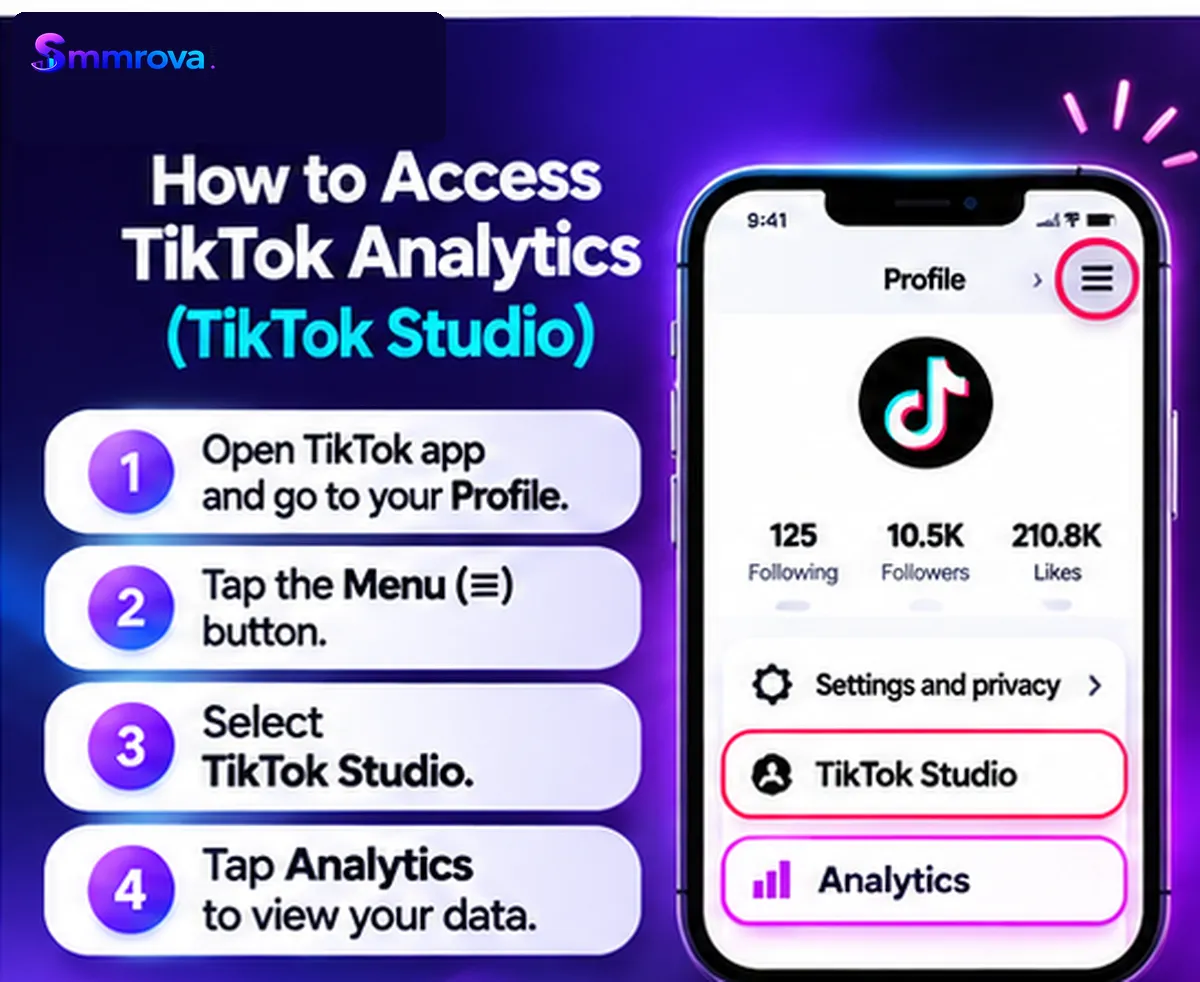
Method 1: Using the TikTok Mobile App
- Open the TikTok app and visit your Profile.
- Tap the Menu button in the top corner.
- Select TikTok Studio.
- Find the Analytics section.
- Tap View all if that option appears.
- Choose the account or content report you want to review.
Method 2: Using TikTok Studio on a Computer
- Open TikTok Studio in your browser.
- Sign in to your TikTok account.
- Open the Analytics section from the available navigation.
- Select the reporting period.
- Review account-level or individual-post performance.
If you cannot find Analytics, check whether the feature is available to your account and whether you have published a public post. Some analytics features may not be available to every user.
Understanding the Main TikTok Analytics Sections
TikTok Studio organizes account and content information into different analytics sections. Depending on the version and account, you may see sections such as Overview, Content, Viewers, Followers, and LIVE.
1. Overview
The Overview section gives you a summary of account performance over a selected reporting period.
Depending on the available dashboard, you may find:
- Post or video views.
- Profile views.
- Likes, comments, and shares.
- Traffic source information.
- Search-related information.
- Estimated rewards, where applicable.
Use Overview to understand the general direction of your account. Compare the current period with a previous period instead of judging your progress from one day's numbers.
2. Content
The Content section helps you review how individual posts perform. You can identify videos that attracted more views, received stronger engagement, or gained new viewers and followers.
Open an individual video to explore its available performance details, such as retention, average watch time, and traffic sources.
This section is especially useful when you want to compare different hooks, topics, formats, or video lengths.
3. Viewers
The Viewers section provides information about the people watching your content, where available.
Depending on your account and feature availability, it may include:
- Unique and returning viewers.
- Viewer activity information.
- Audience insights and demographic estimates.
- Content interests and other audience patterns.
Use this information to check whether your content is attracting the type of audience you intended to reach. Treat demographic information as an estimate where TikTok identifies it as model-based data.
4. Followers
The Followers section helps you understand your existing audience and its activity patterns.
Available information may include follower growth, audience demographics, top locations, and the times when followers are most active.
This can help you plan content around your audience's interests and test publishing times. However, the most active time is a starting point for testing, not a guarantee of higher views.
5. LIVE Analytics
If you use TikTok LIVE and have access to its analytics, you may see information about LIVE views, viewers, new followers, LIVE duration, and other performance indicators.
Use these reports to evaluate your LIVE sessions separately from ordinary video posts. The goals and performance patterns of LIVE content can be different from short-form videos.
Important TikTok Analytics Metrics Explained
Understanding the meaning of each metric is more useful than simply collecting numbers. The following metrics can help you evaluate different parts of your content performance.
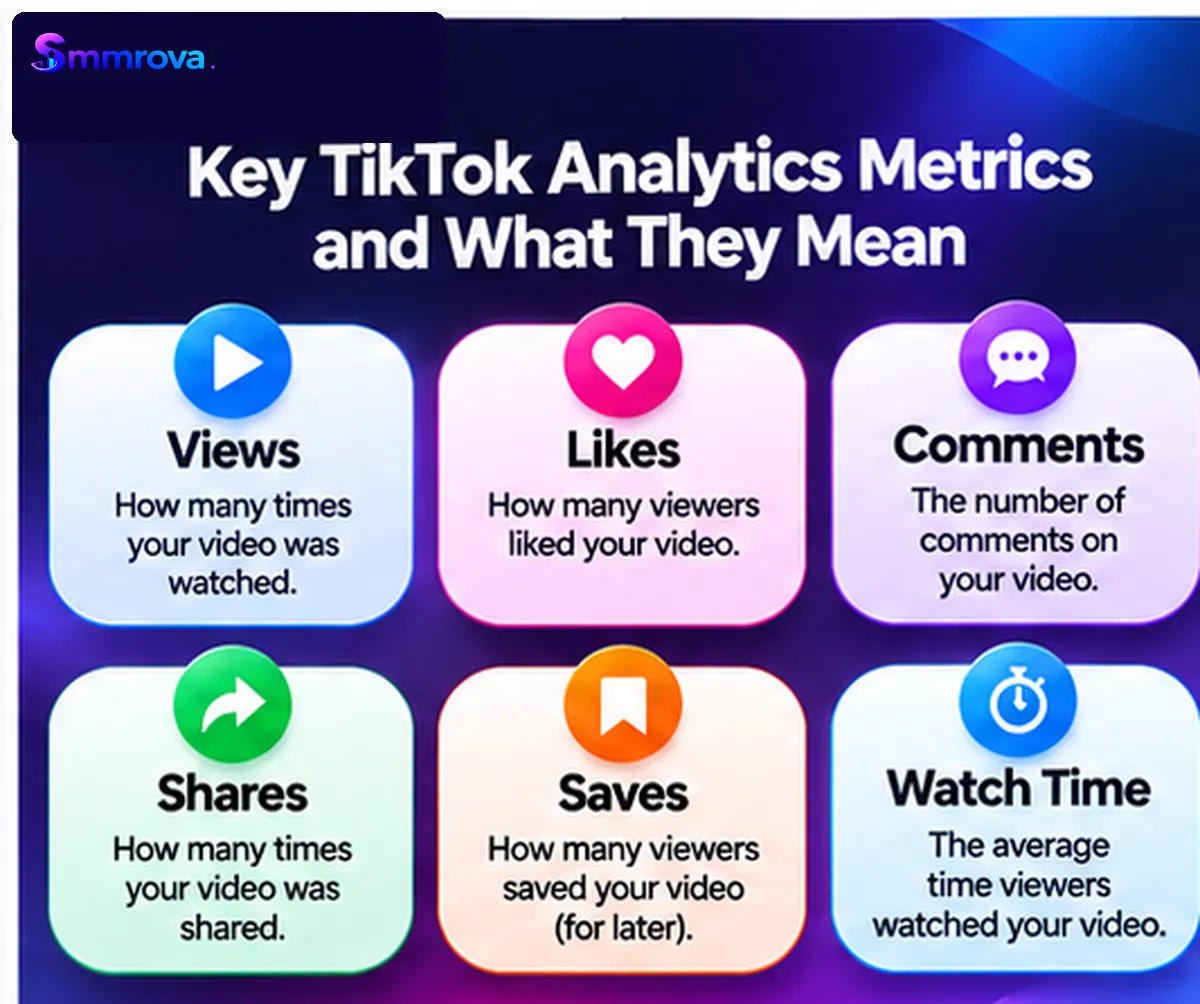
Video Views
Video views indicate how many views your content received under TikTok's reporting rules. Views help you understand the distribution and visibility of a post.
However, views alone do not explain how long people watched, whether they liked the content, or whether they became interested in your account.
Likes
Likes show how many times viewers tapped the heart on your video. They can provide a basic indication of positive interaction.
Compare likes with views across similar videos, but do not assume that a higher like count automatically means better business performance.
Comments
Comments help you understand how viewers respond to a topic. Questions, relevant feedback, and meaningful discussions may reveal what your audience wants to learn next.
Review the actual comments instead of looking only at the total number. A smaller number of relevant questions may be more useful than a large number of unrelated comments.
Shares
Shares indicate that viewers are sending or sharing your content with others. A video that solves a common problem or explains something clearly may be useful enough for viewers to share.
Review which topics generate shares and consider creating more helpful content around those subjects.
Saves or Favorites
Where available in your analytics, saves or favorites can indicate that viewers want to revisit a video later.
Tutorials, checklists, educational tips, and step-by-step demonstrations may be worth evaluating for this type of response.
Average Watch Time
Average watch time describes the average duration viewers spent watching a video.
For example, if a video is 30 seconds long and its average watch time is 12 seconds, viewers watched an average of 12 seconds per view under the reported metric.
Compare average watch time between videos of similar lengths and formats. A 12-second average on a short clip should not be judged in exactly the same way as a 12-second average on a much longer video.
Watched Full Video
This metric describes the share of viewers who watched the video until the final few seconds, according to TikTok's reporting definition.
It helps you understand whether viewers stayed with the content until near the end. The result can vary with video length, so compare similar formats when possible.
Retention Rate
Retention rate shows the percentage of the video that viewers watched over its duration. The retention graph can help you identify moments where viewers stopped watching.
For example, if a large drop occurs near the beginning, review the opening hook, introduction, and first visual. If viewers leave during a particular explanation, consider making that section clearer or more concise.
Traffic Sources
Traffic sources help you understand where viewers discovered your video. Depending on the report, you may see sources such as the For You feed, Following feed, Search, or your profile.
Traffic source information can help you understand how people discover your content. For example, a video receiving search traffic may be answering a question that people are actively looking for.
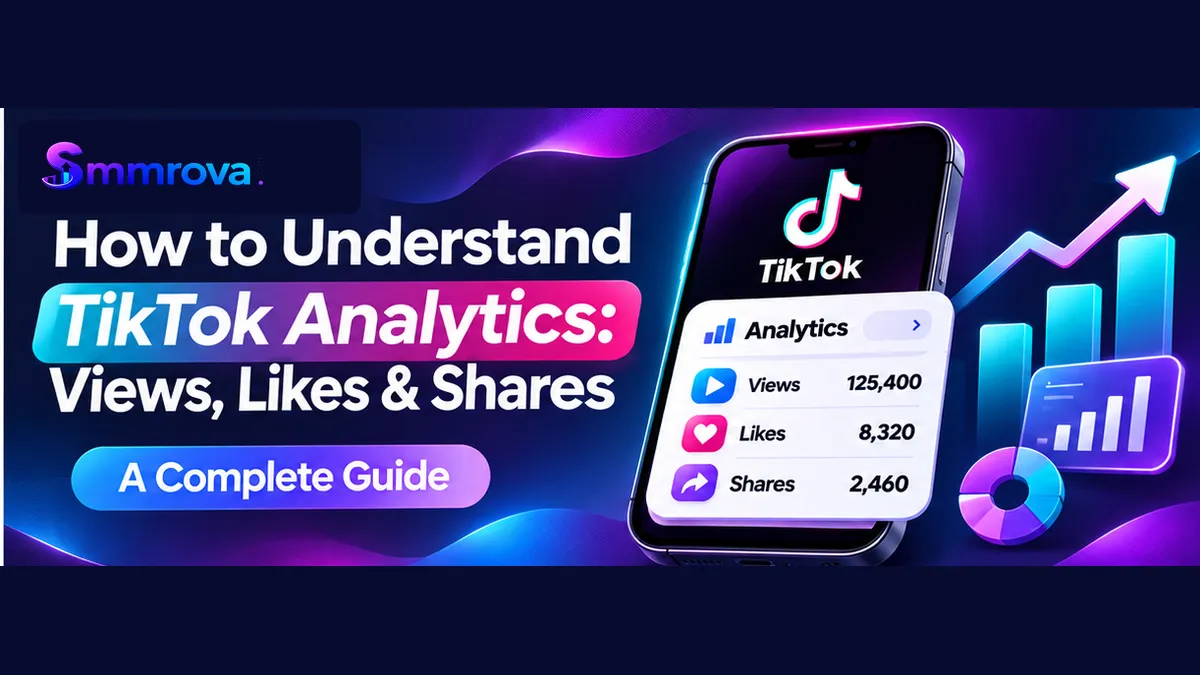
TikTok Views vs Likes vs Shares: What's the Difference?
Views, likes, and shares measure different types of activity. They should be interpreted together rather than treated as interchangeable metrics.
| Metric | What It Tells You | Question to Ask |
|---|---|---|
| Views | Video viewing activity | Did the video attract attention? |
| Likes | Positive reactions | Did viewers respond positively? |
| Comments | Written audience responses | Did the topic encourage discussion? |
| Shares | Sharing activity | Was the content useful or relevant enough to pass along? |
| Saves | Saved content activity | Did viewers want to revisit it? |
| Average watch time | Average viewing duration | How long did viewers stay? |
| Watched full video | Completion activity | How many viewers reached the end? |
A video with many views but few meaningful interactions may have attracted broad attention without creating much interest. Another video with fewer views may generate relevant comments, profile visits, or enquiries.
How to Read TikTok Analytics for One Video
Account-level reports help you understand overall trends, but individual video analytics can show why one post performed differently from another.
Use this practical review process:
- Start with views: Check whether the video attracted more or fewer views than similar posts.
- Review average watch time: See how long viewers stayed on the video.
- Check retention: Look for major drop-off points and review what appeared at those moments.
- Review completion: Check the share of viewers who watched until the final few seconds.
- Study interactions: Read the likes, comments, shares, and saves in context.
- Check traffic sources: Identify where viewers discovered the video.
- Review profile activity: Where available, check whether the video encouraged people to visit your profile or follow your account.
Do not make a major content decision based on one post. Review several videos with similar topics, lengths, and objectives to identify more reliable patterns.
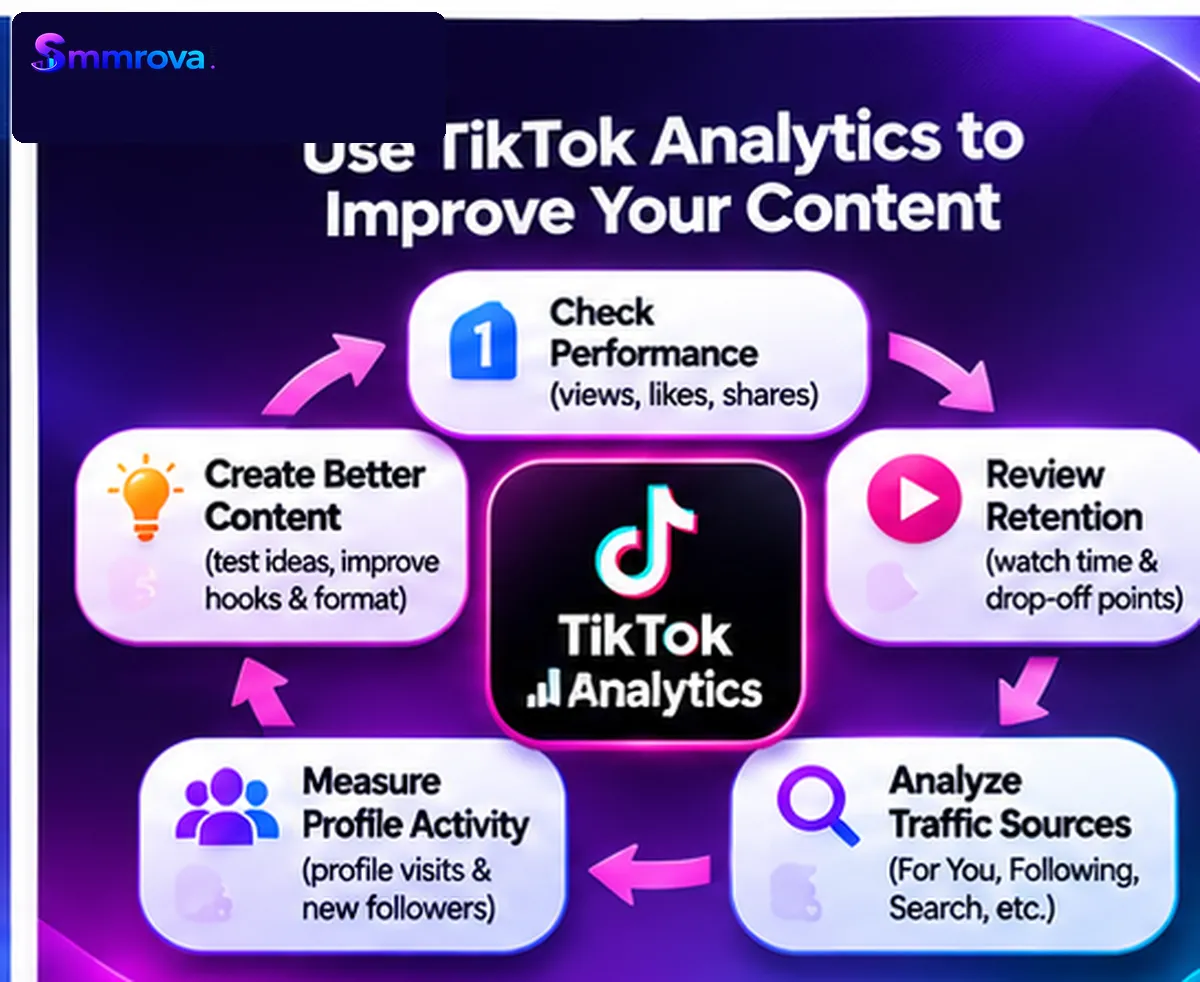
How to Use TikTok Analytics to Improve Your Content
Analytics becomes valuable when you use it to decide what to test next. Here are practical ways to turn performance data into improvements.
Improve Your Opening Hook
If viewers leave early, review the first few seconds. Start with the question, problem, demonstration, or result that makes the video worth watching.
Make Your Content Easier to Follow
If retention drops during a complicated explanation, use shorter sentences, clearer visuals, captions, or a step-by-step structure.
Create More of What Your Audience Finds Useful
Review posts that receive meaningful shares, saves, or comments. Look for the topic or format that made those videos useful, then develop new content with a similar purpose.
Use Search and Traffic Data
If your analytics shows search-related discovery, review the topics and questions connected to those videos. Create additional content that answers relevant audience questions clearly.
Test Publishing Times
Use follower or viewer activity information, where available, to select a few reasonable publishing windows. Compare results over multiple posts rather than assuming one time will always work.
Connect Content Performance to Business Goals
For a business account, views are only one part of the picture. Also track profile visits, relevant enquiries, website visits, bookings, and sales using your own business records.
A video that attracts the right potential customers may be more valuable than one that receives a much larger but less relevant audience.
Common TikTok Analytics Mistakes to Avoid
- Focusing only on views: Views do not explain the full quality or impact of a video.
- Comparing unrelated videos: Consider topic, length, format, and audience before comparing performance.
- Ignoring watch time: A high view count does not tell you whether viewers stayed.
- Assuming likes guarantee reach: TikTok recommendations use multiple signals, not one engagement number.
- Expecting one perfect posting time: Audience activity is useful for testing, not a guarantee.
- Ignoring business outcomes: Track enquiries and conversions separately from platform engagement.
- Reacting to one unusual post: Look for repeatable patterns across multiple videos.
Important Note About Artificial Engagement
Analytics should reflect genuine audience activity as accurately as possible. TikTok's policies prohibit fake engagement and services that artificially increase likes, followers, or other engagement signals.
Artificial activity can make performance reports less useful and may expose accounts to platform enforcement. No third-party service can guarantee organic reach, genuine audience interest, or business results.
For long-term content development, prioritize genuine viewers, useful videos, and authentic interactions. Read TikTok's Integrity and Authenticity guidelines before using third-party engagement services.
Frequently Asked Questions About TikTok Analytics
How do I check TikTok analytics?
Open your Profile, tap the Menu button, select TikTok Studio, and open Analytics. You can also access TikTok Studio through its website and select Analytics.
What are the most important TikTok analytics metrics?
Useful metrics include views, average watch time, retention rate, watched full video, likes, comments, shares, traffic sources, and follower activity. The most important metrics depend on your content objective.
Why do my TikTok videos get views but few likes?
Views and likes measure different actions. Some viewers may watch without reacting. Review your audience relevance, video topic, opening hook, and the interactions across several posts before deciding what to change.
What does average watch time mean on TikTok?
Average watch time is the average duration viewers spent watching your content. Compare it with the video's length and with similar videos on your account.
What is TikTok retention rate?
Retention rate shows the percentage of your video that viewers watched. Its graph helps you identify points where viewers stopped watching.
Do shares matter on TikTok?
Shares are one form of audience interaction. They can help you understand whether people are passing your content to others, but a high share count does not guarantee additional distribution.
Can TikTok analytics show where my viewers come from?
Yes. Available traffic-source reports can show discovery sources such as the For You feed, Following feed, Search, or profile, depending on the account and report.
Can I see analytics for someone else's TikTok account?
Detailed private account analytics, such as watch time and retention, are available to the account owner through their professional tools. Public video counts and visible interactions may be viewed by other users, but they do not provide access to another creator's private analytics dashboard.
Final Thoughts
Learning how to understand TikTok analytics helps you move beyond view counts and make better content decisions. Views show viewing activity, likes and comments show audience reactions, shares and saves provide additional interaction signals, and watch-time metrics help you understand how long people stay.
Use TikTok Studio to review your account and individual videos, compare similar posts, and identify patterns worth testing. Most importantly, connect your analytics to the real goal of each video—whether that is education, awareness, community engagement, or business enquiries.
Consistent measurement and thoughtful improvements will give you a clearer content strategy than chasing a single viral result.
Official resources:
 Up nextTikTok Watch Time and Completion Rate ExplainedTikTok · 11 min read
Popular TikTok services
Ready to grow your social media?
Create a free SmmRova account and pay with bKash, Nagad or Rocket. We never ask for your password.
Create Free Account View ServicesQuestions before you order? Message us on WhatsApp